
- Make sure the Project’s task lists all have Budgets
- Go to the time report
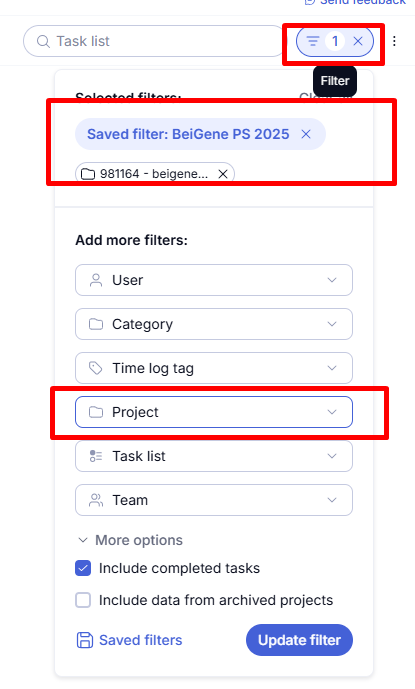
- Filter to the individual project:
- Set the date range to include all time in the project (unfortunately you cannot choose “all time”, and it is a finicky date selection tool)
- Make sure that the GROUP BY is TASK LIST then TASK
- If you want to export to PDF with a task list expanded (like Unbudgeted Ad hoc), then expand on screen.
- To export, [Click] the three dots top-right, EXPORT > PDF
Note: The export doesn’t include summary total, so you’ll have to provide separately.
Unfortunately this does not show any task lists that do NOT have time tracked against it.
