
This post will walk you through the process of backing up your website using cPanel. It will cover accessing your cPanel account, navigating to the Backup Wizard, and creating a full or partial backup of your site files and database.
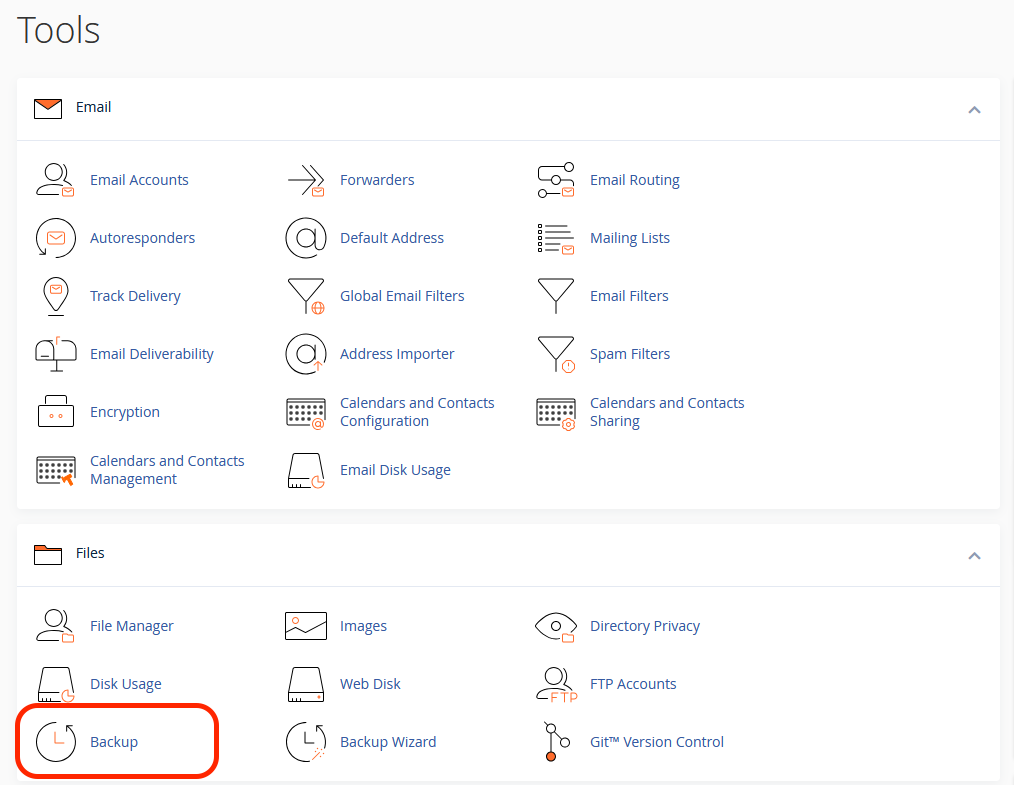
- First, navigate to the cPanel dashboard for the respective site, then click on “backup“.
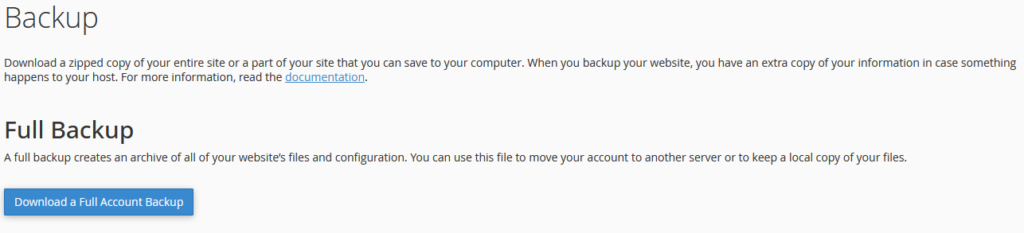
- Click on “Download a Full Account Backup”
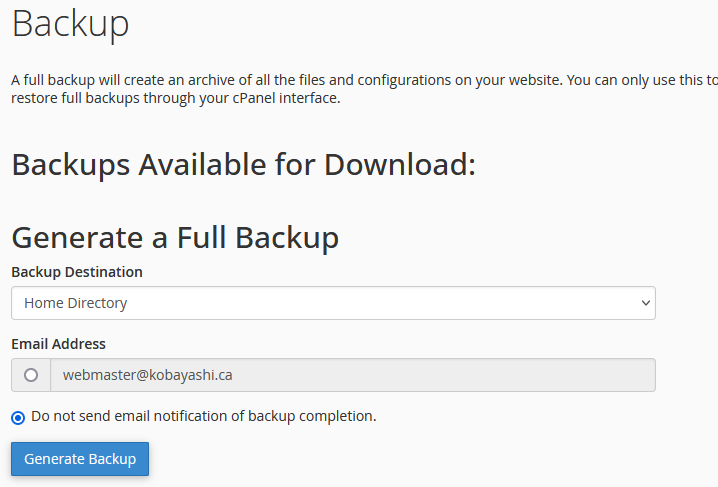
- From here, choose where you would like to save this backup.
- Finally, click on “Generate Backup” and you’re all set.
- Depending on the size of the account it can take between 30 seconds to around 5-10 mins to complete the backup generation.
